
How Pricing and Booking Work
You should know what a job costs before anyone shows up. This page explains hourly rates, when a project price makes more sense, how fees are shown, and how to book the right Tasker for the work.
Hourly rates, in real numbers
Taskers set their own rates, and in most US metros the range runs from roughly $40 to $90 an hour for general tasks. Rate is not the same as total cost — a fast Tasker at a higher rate can finish cheaper than a slow one at a low rate.
-
Lower end of the range
Assembly and mounting
Flat-pack furniture, shelf brackets, a TV on a straightforward wall. These sit at the lower end of the hourly range because the steps are predictable and the tools are light.
-
Middle band
General handyman and home repair services
Patching drywall, rehanging a door, swapping a fixture, chasing a leak. Diagnosis takes time, so the hourly rate lands in the middle band and the estimate depends on what the Tasker finds once the wall is open.
-
Higher band
Specialty skills
Licensed electrical and plumbing work, tile, appliance installs, or anything needing a permit. The Tasker’s certification and travel radius both push the rate up.
-
Top of the range
Heavy moving labor
Sofas, appliances, and full apartment loads. Two-person crews and stair carries are quoted at the top of the range, and the listing says so before you confirm.
Compare rate and speed together. A two-hour job at $55 an hour costs less than a four-hour job at $45, and the finished quality is what you live with. Ratings, completed job counts, and past task types on each listing give you the second half of that comparison.
When a project price beats hourly
Some jobs price better by the project. A full move-out clean, a multi-room furniture build, or a day of small repairs often comes with a fixed quote. You see the total before you confirm, and the Tasker carries the risk of a job running long.
Hourly makes more sense when the scope is unclear, when you want to add items on the day, or when you would rather watch the first hour and decide. Many Taskers offer both, and the listing shows which pricing applies to your task type before you pick a time window.
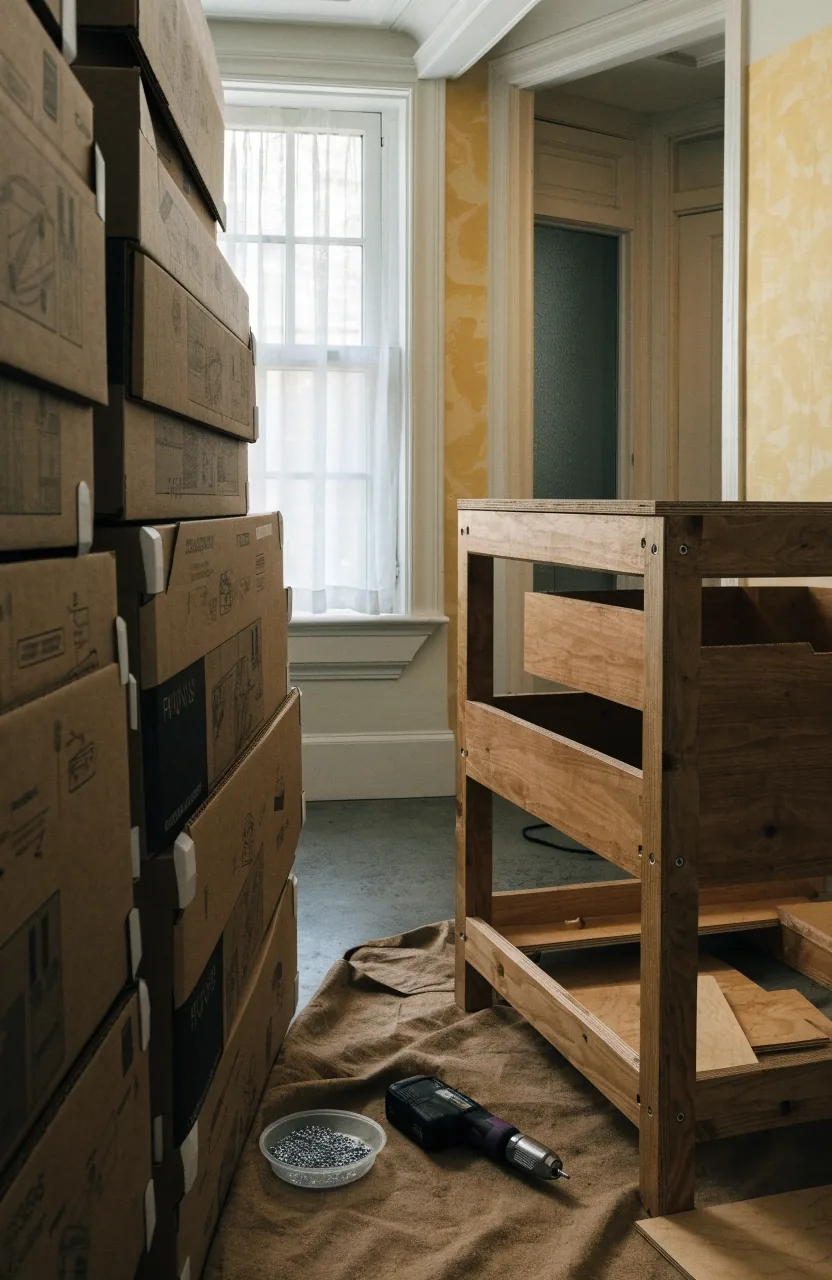
A multi-room build is the classic fixed-quote job: you agree the total, the Tasker owns the clock.
Every dollar has a line, and the line shows before you confirm
The booking total separates the Tasker’s rate from the TaskNest Hub fee, so you can see where each dollar goes. The fee covers payment processing, identity and background checks, and support if something goes wrong. It appears as a line item before you confirm, not after. There are no hidden charges added once the work is finished. What you see at checkout is the amount you pay.
- Payment processing between your account and your Tasker.
- Identity and background checks on every Tasker before they take work.
- Support if a job goes sideways, with the booking record as evidence.
Your receipt itemizes the Tasker’s rate for the time worked and the platform fee as separate lines, so the total is never a single unexplained number.
How to book a Tasker in a few steps
Most bookings take a few minutes to set up. You are not charged until the booking is confirmed, and you can message your Tasker with details right up to the visit.
-
Step 1
Describe the job and add photos
The listing shows what similar tasks usually cost in your area, so your description lands next to a real local number rather than a guess. Photos of the wall, the furniture, or the room cut down on back-and-forth.
-
Step 2
Compare Taskers on more than price
Look at hourly rate, ratings, completed jobs, and availability together. A Tasker with a deep record on your exact task type is worth reading before you sort by the cheapest number on the page.
-
Step 3
Pick a time window and confirm
Choose from the real open slots on the listing, confirm the booking, and send any last details in a message. Nothing is charged to your account until that confirmation goes through.
-
Step 4
Add work on the day, agreed in the record
If the job grows, extra time is billable at the Tasker’s hourly rate and you will be asked before it continues. Adding a second furniture item or an extra room happens in the booking so the receipt stays accurate.
Scheduling and time windows
Bookings use time windows rather than exact minutes, because travel time in a city is hard to pin down. Pick a window that gives your Tasker room to arrive and still finish the job.
If you have a hard deadline, like a lease inspection or a guest arrival, note it when you post. Same-day windows are narrower and depend on who is free, so posting earlier in the day improves your odds.
-
Same-day, next-day, and advance booking
Same-day works best for cleaning and simple assembly in dense metros. Next-day is more reliable for repair work and mounting. Advance booking makes sense for anything needing a specialty tool, a two-person crew, or parts. The listing shows real open slots, so you can see what is actually possible rather than guessing. If your job is urgent, widen the window and keep the scope tight.
-
Recurring bookings and how they price
Recurring bookings, usually cleaning at two or four week intervals, cost less per visit than one-off jobs. Your Tasker learns the space, which reduces time on each return. You set the cadence and keep the same Tasker where they are available. Pause or cancel between visits without a penalty. Most customers start with a single visit, then convert once they know the fit is right.
-
Changing, rescheduling, and cancelling
Plans change. You can reschedule or cancel from your booking, and the terms depend on how close you are to the start time. Rescheduling early is straightforward; late changes may affect your Tasker’s day. If something comes up on their side, you are notified and offered alternatives. Clear communication through the platform keeps a record, which matters if a dispute ever arises.
Payment methods, tips, and extra time
Payment runs through TaskNest Hub
Payment runs through TaskNest Hub when the booking is confirmed. We do not ask for cash on site. Depending on your account and region, you may see options like card payment through the platform, invoice, or pay-on-completion where available. The exact methods shown at checkout are the ones that apply to your booking. Your receipt itemizes the rate and the fee.
Tips and add-ons
Tipping is optional and handled through the platform, so it stays on the same record as the job. Add-ons like a second furniture item or an extra room in a clean are usually added before the visit. If you want to add work on the day, agree on it in the booking so the record stays accurate.
Extra time and early finishes
If a job runs longer than planned, extra time is billable at the Tasker’s hourly rate, and you will be asked before it continues. When the Tasker finishes early, you are charged for the time worked rather than the full window, and the booking summary reflects the actual time.
Estimating your own job
Most people underestimate assembly and overestimate cleaning. A single dresser is often an hour; a full apartment move-out clean can run four or more. Mounting a TV is quick if the wall is straightforward and slower on brick or plaster. Batch small jobs into one visit to make the hourly rate go further. When in doubt, describe the job in detail and let your Tasker confirm the estimate.
-
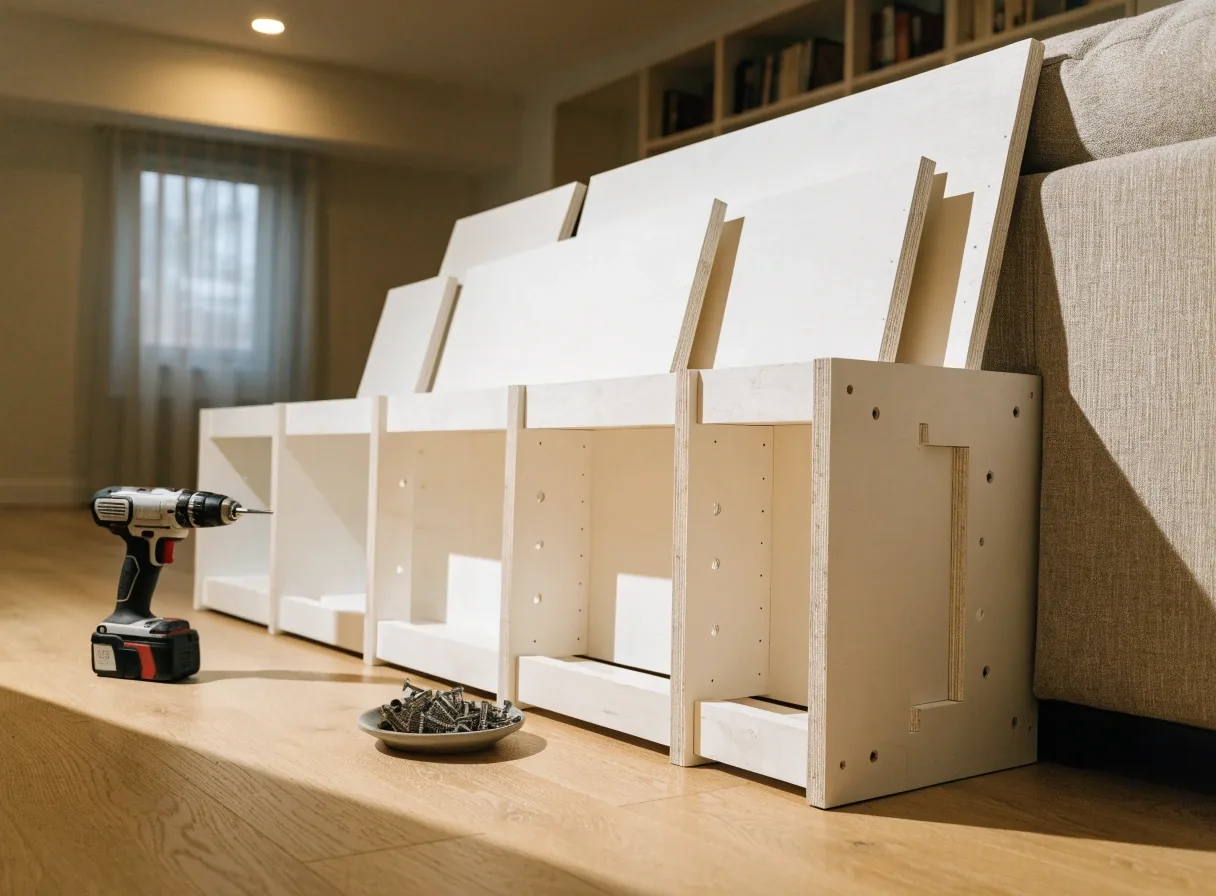
One dresser, about an hour
A single flat-pack piece with clear instructions sits near the bottom of the estimate. Add drawers, doors, or a wall anchor and the time grows.
-

A move-out clean runs longer
A full apartment move-out clean can run four hours or more, and empty rooms are slower than lived-in ones because every surface gets handled.
-

Wall type changes the clock
Mounting a TV is quick on drywall and slower on brick or plaster. Say which wall you have when you post so the estimate matches the work.
Questions about rates and booking
Is the hourly rate the total I pay?
No. The total is the Tasker’s rate for the time booked plus the platform fee, both shown before you confirm. Extra time beyond the booking is billable at the same hourly rate.
Can I get a fixed price instead of hourly?
Many Taskers quote by the project for cleaning, multi-room assembly, or a day of repairs. The listing shows which pricing a Tasker offers for your task type.
What happens if the job takes less time than booked?
You are charged for the time worked, not the full window, when the Tasker finishes early. The booking summary reflects the actual time.
How far ahead should I book?
Same-day works for cleaning and simple assembly in dense metros. For repair work, mounting, or anything needing parts, book a day or more ahead.
Can I pay in cash?
No. Payment runs through TaskNest Hub, which keeps a record and covers the protections described on our trust page.
Pick a task, pick a window, and see the total first
Post the job, compare Taskers near you on rate and record, and confirm a window that works. The rate and the platform fee sit on the same screen before you commit, whether you book a one-off repair or a recurring cleaning visit.
- Read the trust and safety page
- Compare Taskers near you
- More questions in the FAQ
- Talk to the TaskNest Hub team
120 Broadway, 17th Floor, New York, NY 10271, USA
Monday to Friday, 9:00 AM – 6:00 PM · +1-212-555-0432